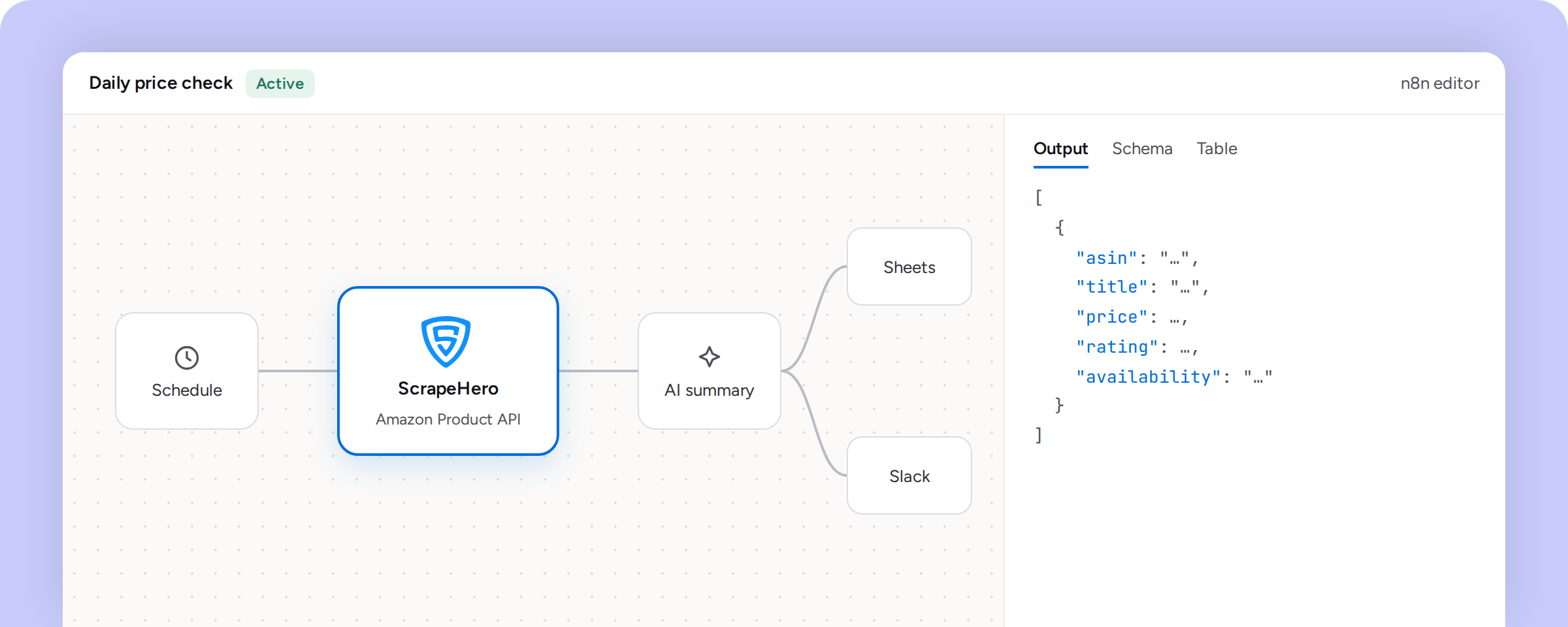
Run ScrapeHero's scraper APIs inside your n8n workflows.
Connect ScrapeHero to n8n and pull structured data from Amazon, Google, Walmart, real estate, jobs, travel, and e-commerce sources directly into your automations. One API key gives you access to all of ScrapeHero Cloud’s scraping API suite from inside the n8n editor, so you can trigger scrapes, transform the output, and route it to any of n8n’s 1,000+ connected apps without writing custom integration code.
If you already run workflows in n8n, adding ScrapeHero means you don’t need a separate script, a separate API client, or a separate place to manage scraping jobs. You configure the node once, drop it into any workflow, and the data flows straight into your existing pipeline: a Google Sheet, a Slack alert, a database write, or a call to an AI model for further processing.
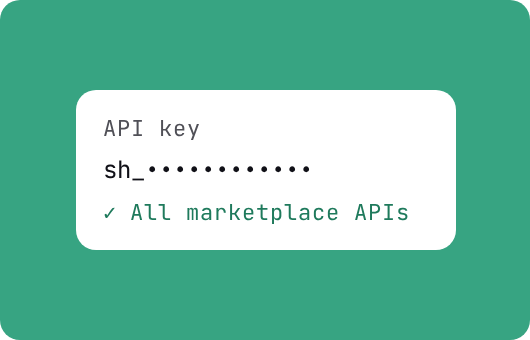
One API key
Single API key for every ScrapeHero Marketplace API (Amazon, Google, Walmart, real estate, jobs, travel, e-commerce)
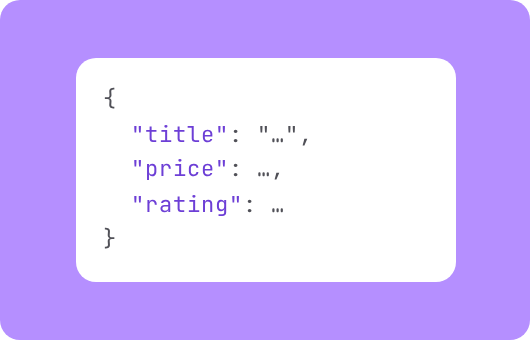
Structured JSON
Structured JSON output, ready to map into downstream nodes without extra parsing
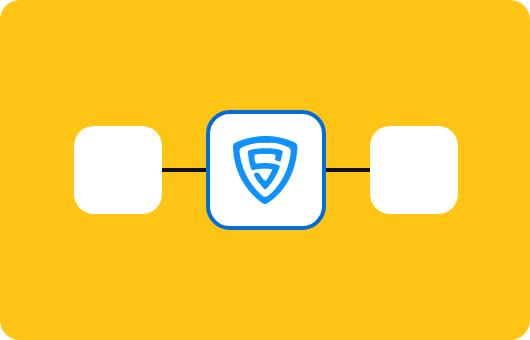
Native node
Native node, so it drags, drops, and connects like any other n8n integration
Works with AI nodes
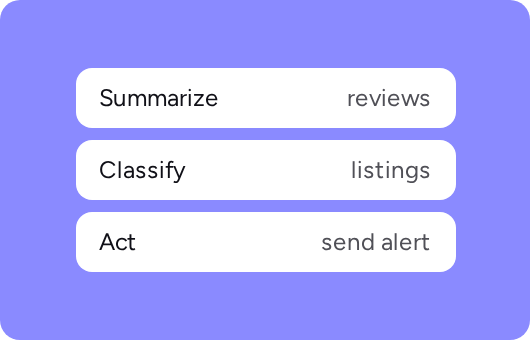
Combine with n8n's AI nodes to summarize, classify, or act on scraped data automatically
How to use ScrapeHero in n8n
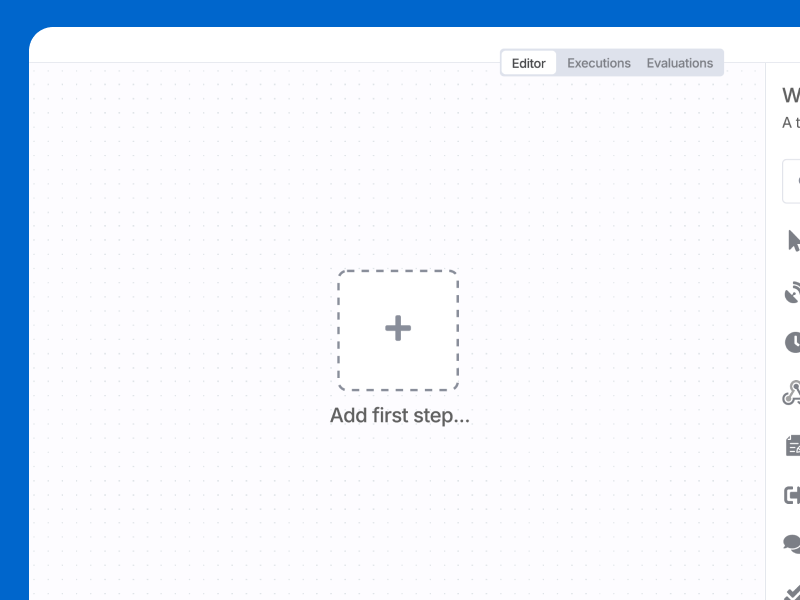
Sign in to n8n, open the editor, and click + in the top right to open the Nodes panel.
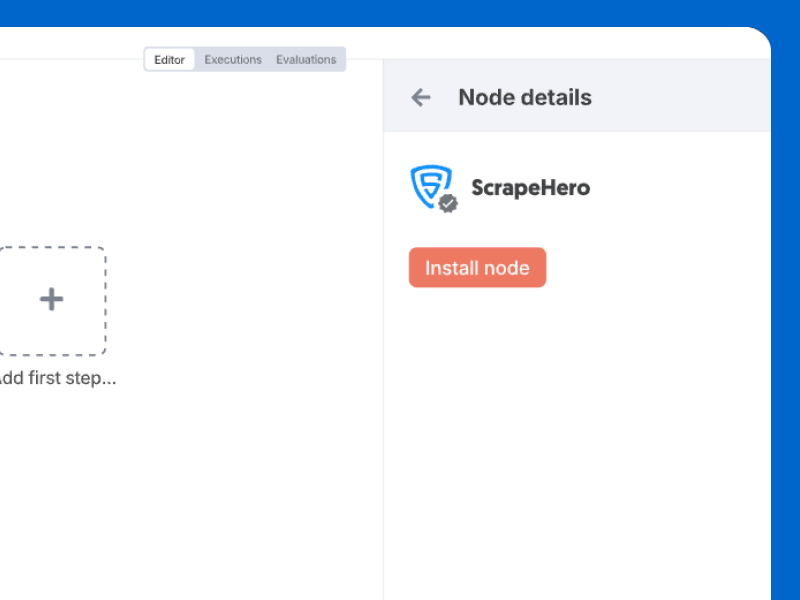
Search for ScrapeHero. Look for the version marked with the verified badge, then select Install.
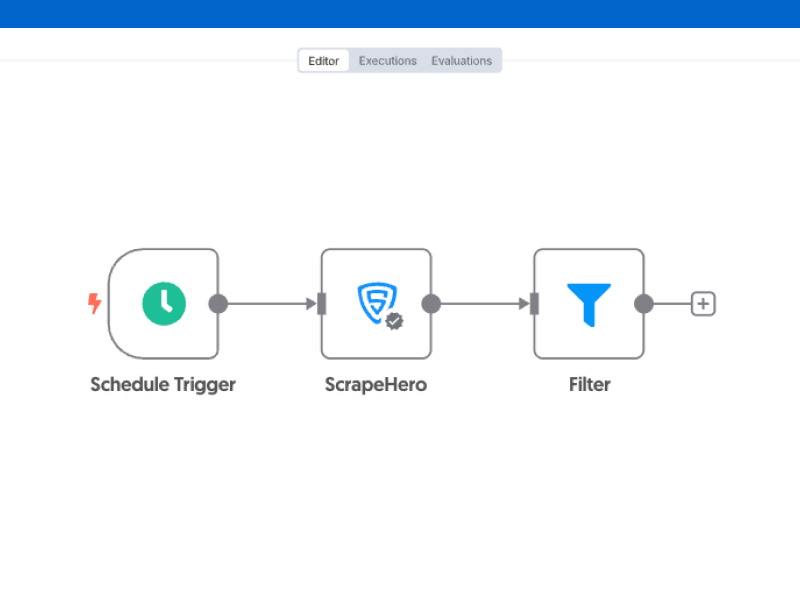
Once installed, drag the ScrapeHero node into your workflow and connect it as you would any other node.
What you can build
See how you can use ScrapeHero and n8n together to turn scraped data into automated actions, from price monitoring to lead enrichment to content pipelines.
Automate workflows with real-time web data
Get structured data from any site in minutes. No code. No maintenance.